Introduction
LED display failure and cause analysis
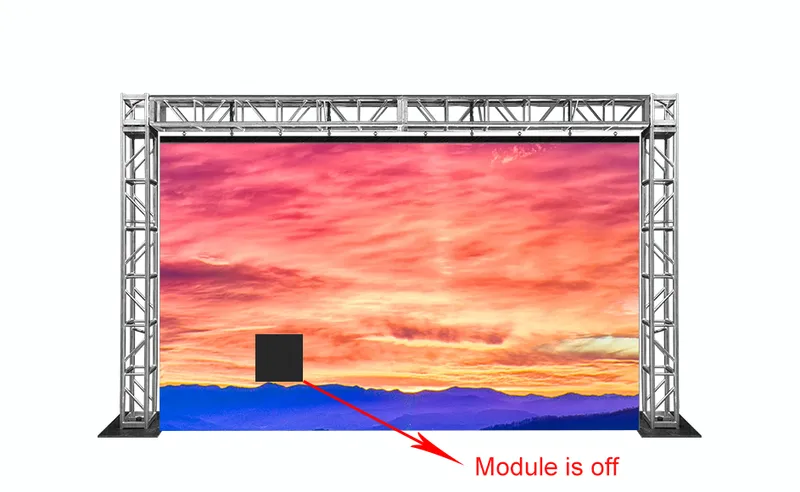
Symptom 1: One unit board does not light up
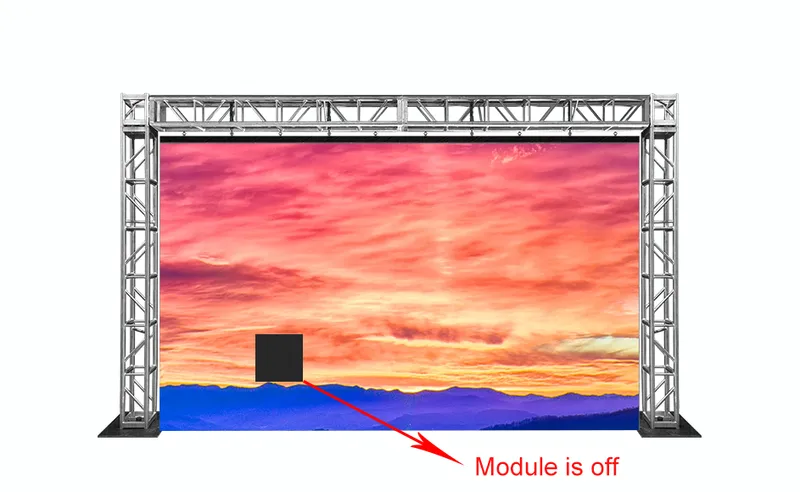
Causes of failure:
1. There is no +5v;
2. The data line is broken.
Fault analysis and treatment:
1. The power supply is broken, replace the power supply;
2. Replace the data cable.
Symptom 2: Full screen is not bright
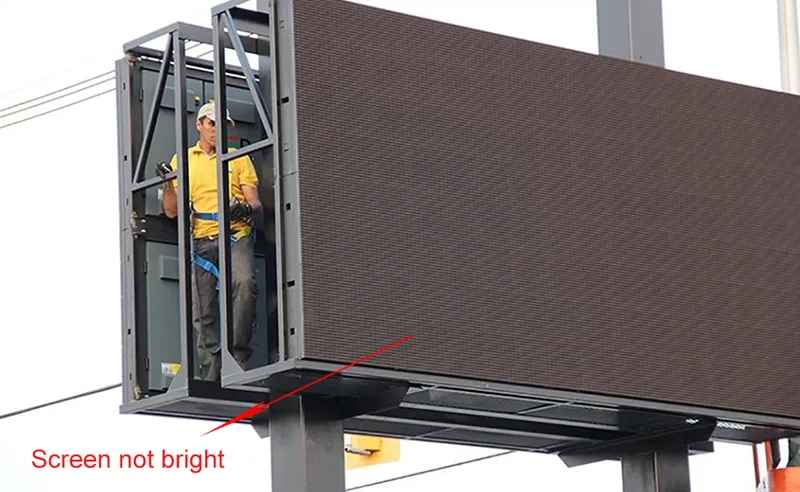
1. The main controller does not have +5v;
2. The whole screen does not have AC power;
3. The computer settings are incorrect.
2. Check the power supply circuit;
3. Reset the computer
Symptom 3: A certain unit is always on red (or green)
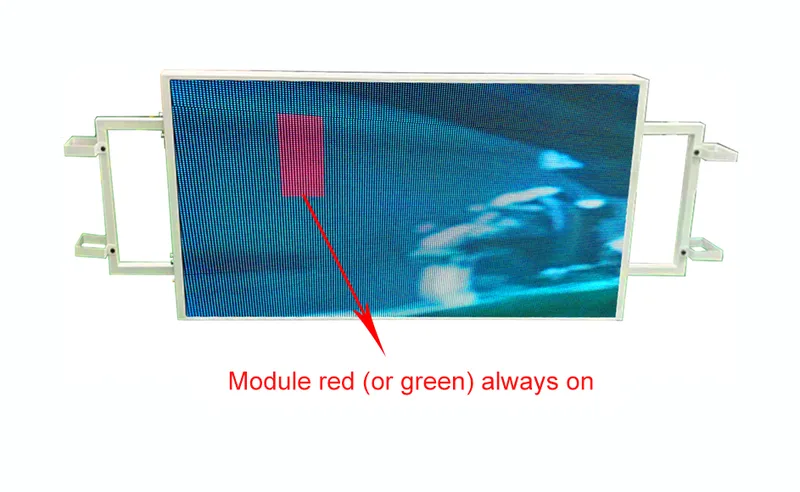
1. There is a problem with the data cable connecting this unit;
2 There is a problem with the corresponding distribution board;
3. A certain unit board is faulty.
1. Reinsert the data cable and pay attention to the direction;
2. Replace a data cable;
3. Replace the distribution board;
4. Replace the unit board.
Symptom 4: Abnormal communication
Cause of failure:
1. Whether the software setting is correct;
2. Whether the communication line is connected;
3. There is a problem with MAX323
1. Restart the computer and turn on the monitor again;
2. Re-set;
3. Measure with a digital meter;
4. Replace the MAX23 chip
Symptom 5: The entire screen is lit every few lines horizontally, and is not lit every few lines
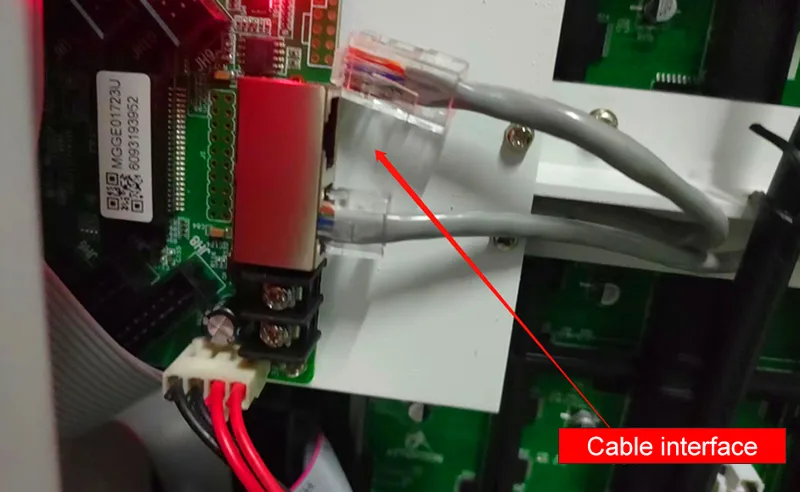
Cause of failure: The network is not plugged in properly.
Fault Analysis and Handling: Plug in the Network
Accessory location
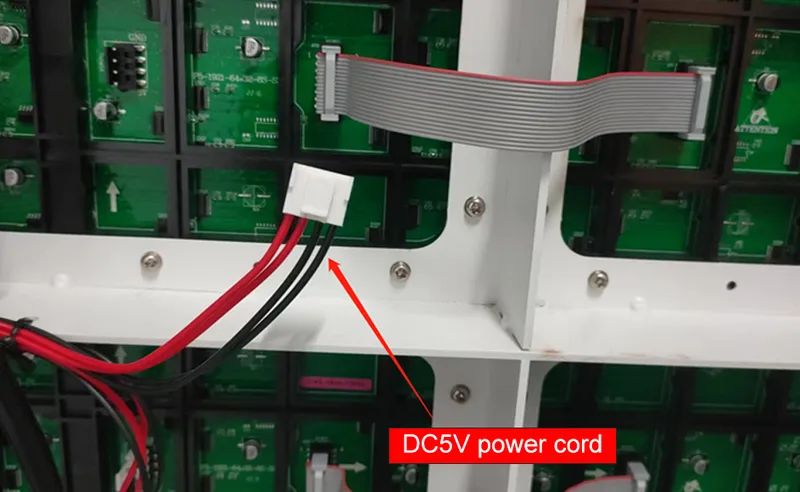
1. DC 5V line
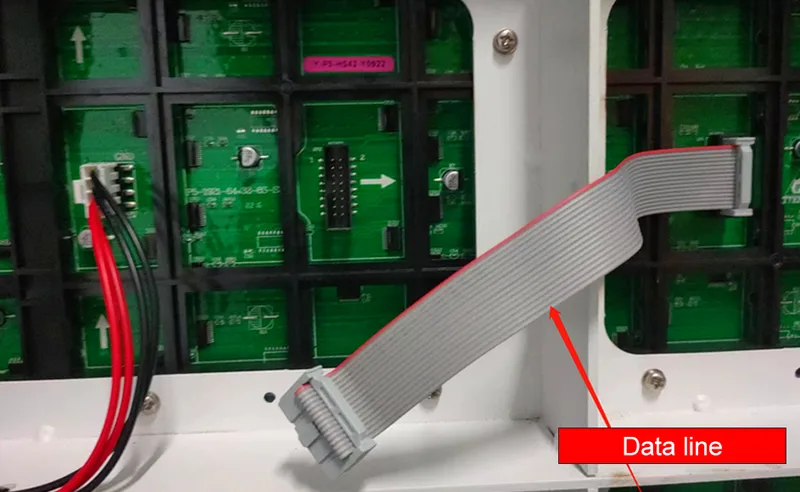
2.Data cable
3. Network interface